
Website
A simple prompt builder for faster, better AI starting points
Turn one rough task into multiple structured prompts for ChatGPT, Claude, or Gemini.
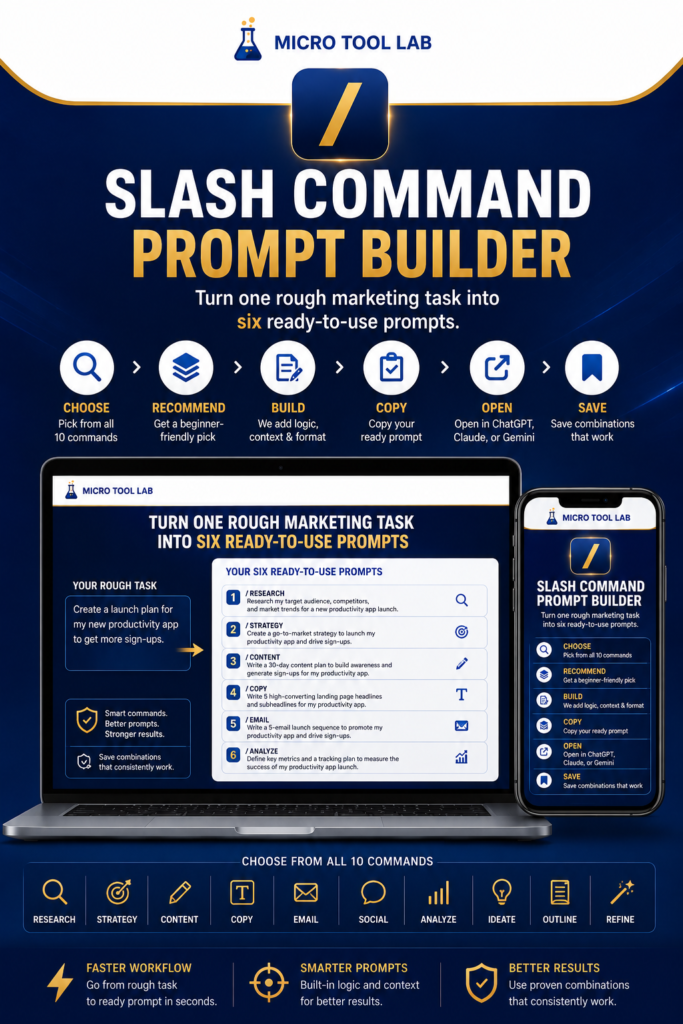
If you use AI tools but still feel stuck deciding what to type, Slash Command Prompt Builder is designed to reduce that friction. It gives beginners and busy creators a simpler way to turn one task into several structured prompt options, so you can spend less time staring at a blank screen and more time testing useful outputs. The main appeal is practical: you describe the job you want done, and the tool helps build prompt variations with clearer context and output structure. That can be especially helpful when you are writing marketing copy, outlining an article, drafting a product description, brainstorming ideas, or trying to turn one concept into a few different content angles. For authors, digital product sellers, and solo business owners, this kind of tool can make AI feel more approachable. Instead of learning prompt engineering from scratch, you get a guided process that helps you generate prompts faster and copy them directly into the AI tool you already use. Because it runs in the browser, it is also easy to fit into an everyday workflow. As with any third-party tool, it is still smart to review the target page for the exact feature set, access terms, and pricing before you recommend it. But based on the owner-provided description, this is a helpful resource for people who want a straightforward, beginner-friendly way to create better prompts with less effort.
Resource Details
See What This Resource Includes
If you use AI tools but still feel stuck deciding what to type, Slash Command Prompt Builder is designed to reduce that friction. It gives beginners and busy creators a simpler way to turn one task into several structured prompt options, so you can spend less time staring at a blank screen and more time testing useful outputs.
The main appeal is practical: you describe the job you want done, and the tool helps build prompt variations with clearer context and output structure. That can be especially helpful when you are writing marketing copy, outlining an article, drafting a product description, brainstorming ideas, or trying to turn one concept into a few different content angles.
For authors, digital product sellers, and solo business owners, this kind of tool can make AI feel more approachable. Instead of learning prompt engineering from scratch, you get a guided process that helps you generate prompts faster and copy them directly into the AI tool you already use. Because it runs in the browser, it is also easy to fit into an everyday workflow.
As with any third-party tool, it is still smart to review the target page for the exact feature set, access terms, and pricing before you recommend it. But based on the owner-provided description, this is a helpful resource for people who want a straightforward, beginner-friendly way to create better prompts with less effort.
Business Benefits
Why This Listing May Fit The Next Step
Turns one rough idea into multiple prompt variations
Built for beginners with no prompt engineering experience required
Applies slash command logic to structure prompts
Suggests commands based on the task you describe
Helps create better AI starting points with less effort
Works with ChatGPT, Claude, or Gemini
Browser-based, so there is nothing to install
Useful for copy, articles, social posts, emails, and sales content
Designed to reduce blank-page friction
Supports everyday AI productivity and brainstorming
Quick Answers
Know Before You Click Through
Who is this tool best for?
It appears best suited to beginners, solo creators, authors, and business owners who want an easier way to write AI prompts without starting from scratch.
Do I need prompt engineering experience?
No prompt engineering experience is described as required, which makes it appealing for users who want a guided starting point.
What AI tools does it work with?
The description mentions ChatGPT, Claude, and Gemini.
What kinds of tasks can it help with?
It is described for marketing copy, blog posts, social content, email campaigns, product descriptions, sales pages, video scripts, lead magnets, business planning, brainstorming, and productivity tasks.
Is it installed software?
No, the description says it is browser-based and nothing needs to be installed.
Can it create more than one prompt from the same idea?
Yes, the owner-provided description says it can generate up to six prompt variations from one idea.
Should I verify the details before recommending it?
Yes. It is a good idea to confirm pricing, access terms, and the exact feature list on the target page before publishing a recommendation.
Keep Exploring
More Product And Service Listings
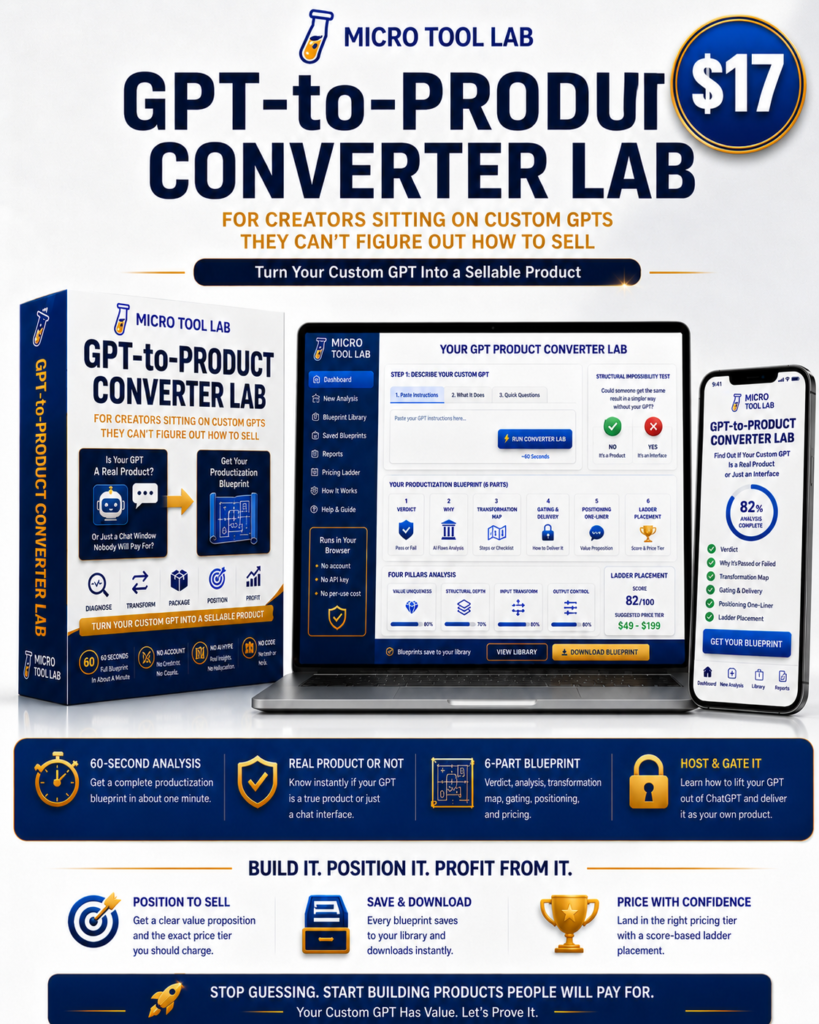
GPT-to-Product Converter Lab
If you have built custom GPTs, you already know the frustrating part: not every useful GPT is automatically a product. Some ideas are genuinely sellable. Others are easier to copy than to buy. The…
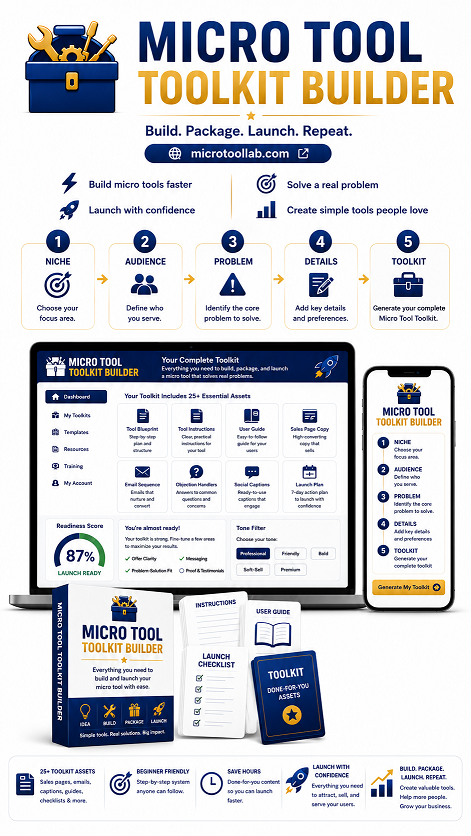
Micro Tool Toolkit Builder
Micro Tool Toolkit Builder is a recommended website offer for creators who want to turn a rough idea into a more complete digital product without spending hours writing everything manually. Based on the owner-provided…
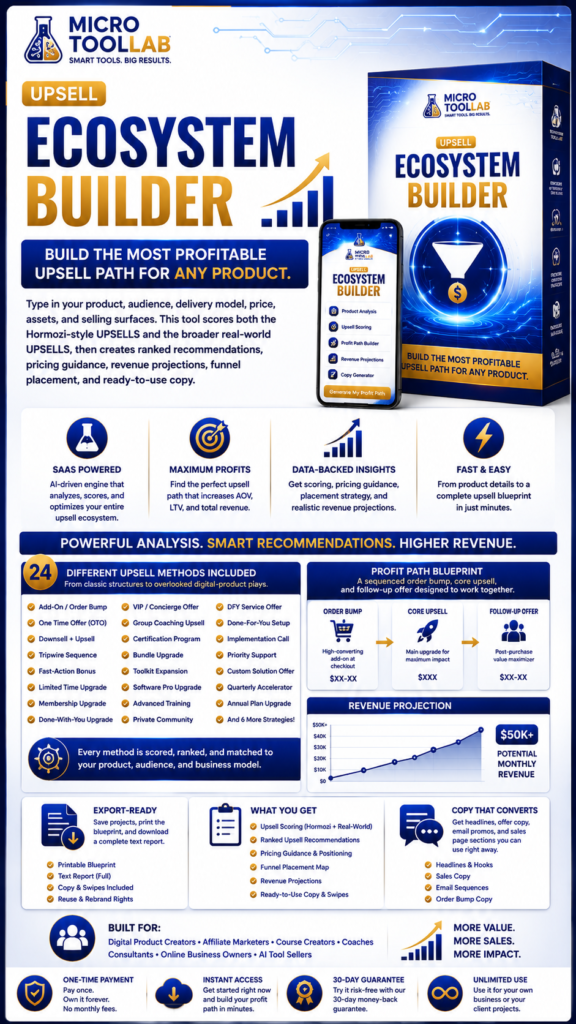
Upsell Ecosystem Builder
Upsell Ecosystem Builder is a practical recommendation resource for creators who want a clearer path from one sale to the next. Instead of guessing which offer should come after the core product, this tool…
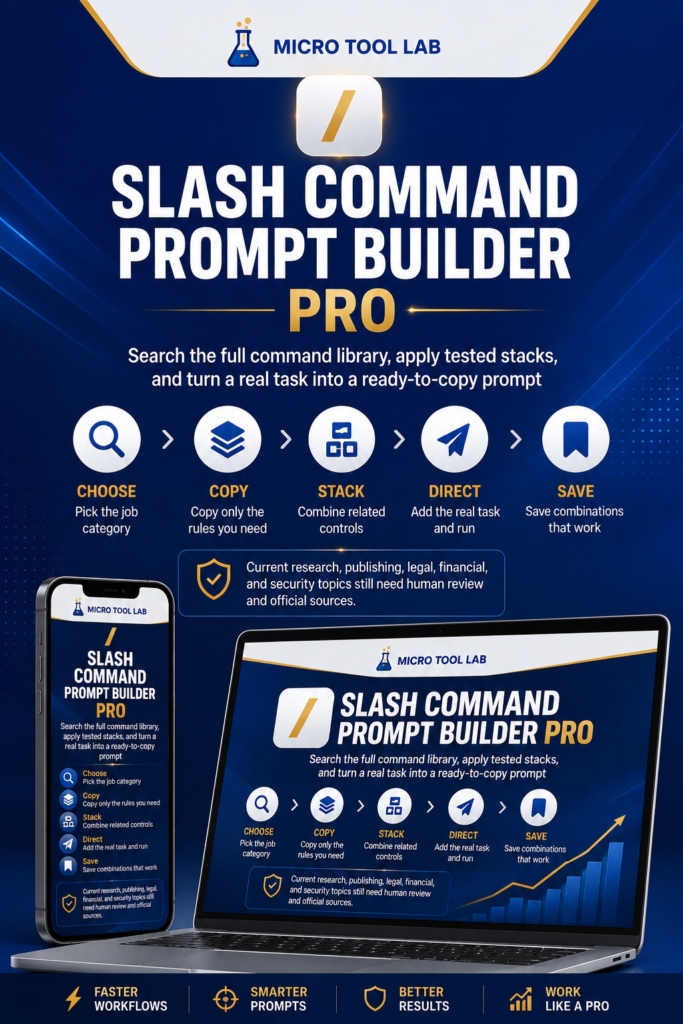
Slash Command Prompt Builder Pro
Slash Command Prompt Builder Pro is a practical recommendation for readers who want a simpler way to write better AI prompts. Instead of starting from a blank page or trying to remember dozens of…